
Back to AmbuCAD
01Event CADProduct overview
Run the operation from one live picture.
Event CAD gives dispatchers a map-led view of teams, jobs, traffic, communications and operational points from preparation through post-event review.
Built for response teamsIllustrative preview
Demo Sports EventSports Event • 11/08/2026
Contacts 3 Add POI Refresh Auto: OnEdit crews Live LogEvent tools
ConnectedUpdated 14:44:08Auto refresh: On
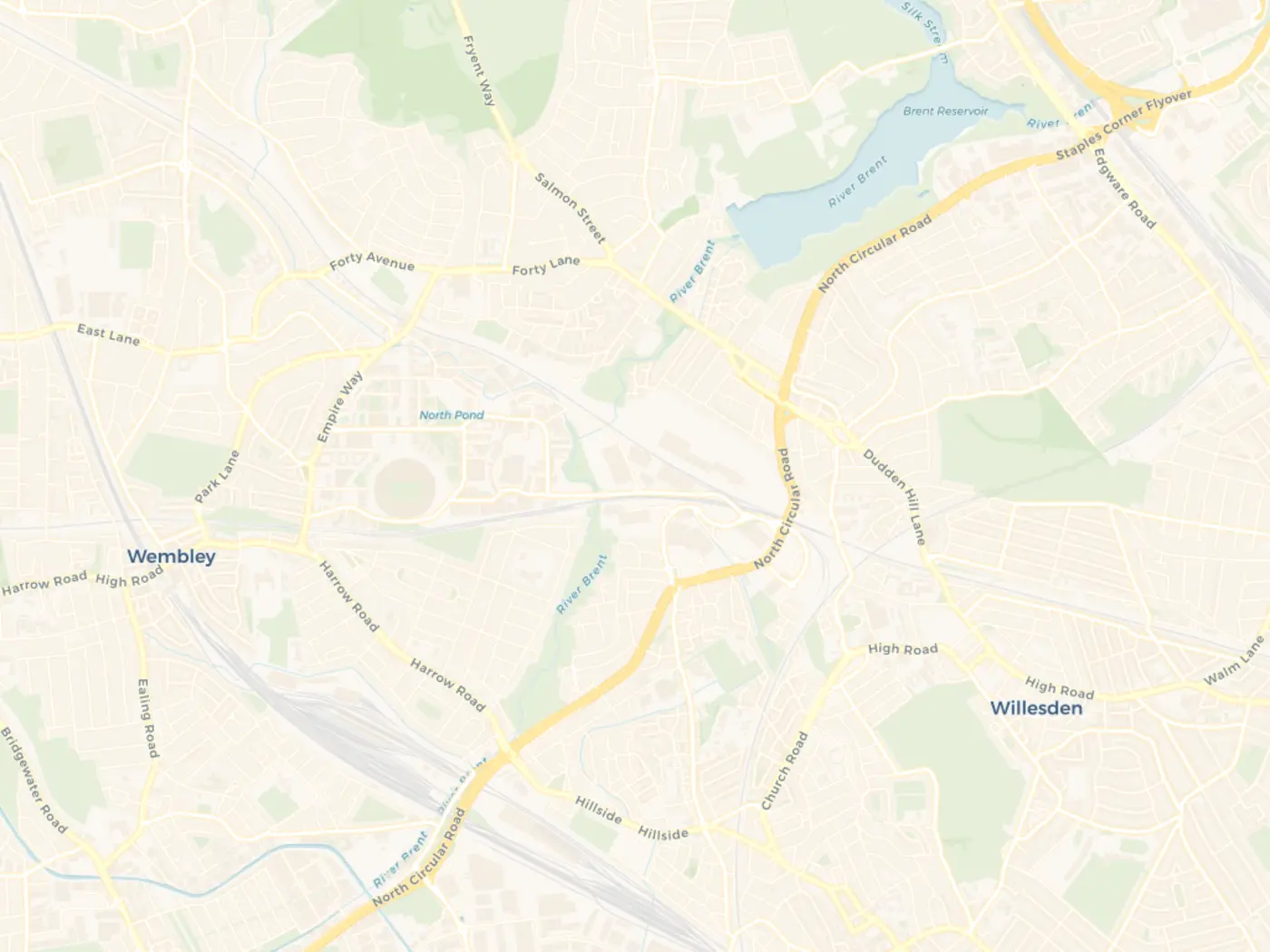 H+S© OpenStreetMap contributors © CARTO
 Active Jobs 1Dispatch communications Event Details
What it is
A computer-aided dispatch workspace for event medical and private ambulance operations.
- For
- Dispatchers, event control rooms, managers and crews who need the same assignment and status picture at the right level of detail.
- Problem it addresses
- Dispatchers lose time when location, crew status, job detail and communication sit in different places.
What teams can do
- Prepare event maps with hospitals, first-aid points and standby locations
- Create, prioritise, assign and track jobs as the operation changes
- Keep live status, traffic, navigation, voice, text and low-signal recovery close to the work
How it fits
A clear route from setup to useful action.
AmbuCAD keeps each service focused while making the hand-off to the next part of the response easier to understand.
- 01
Set up the event
Create the event, add operational points and place the teams where the plan needs them.
- 02
Dispatch with context
See the job, crew, location, priority and communications together instead of across disconnected tools.
- 03
Review the operation
Carry the event and communications history into a structured post-event record.